

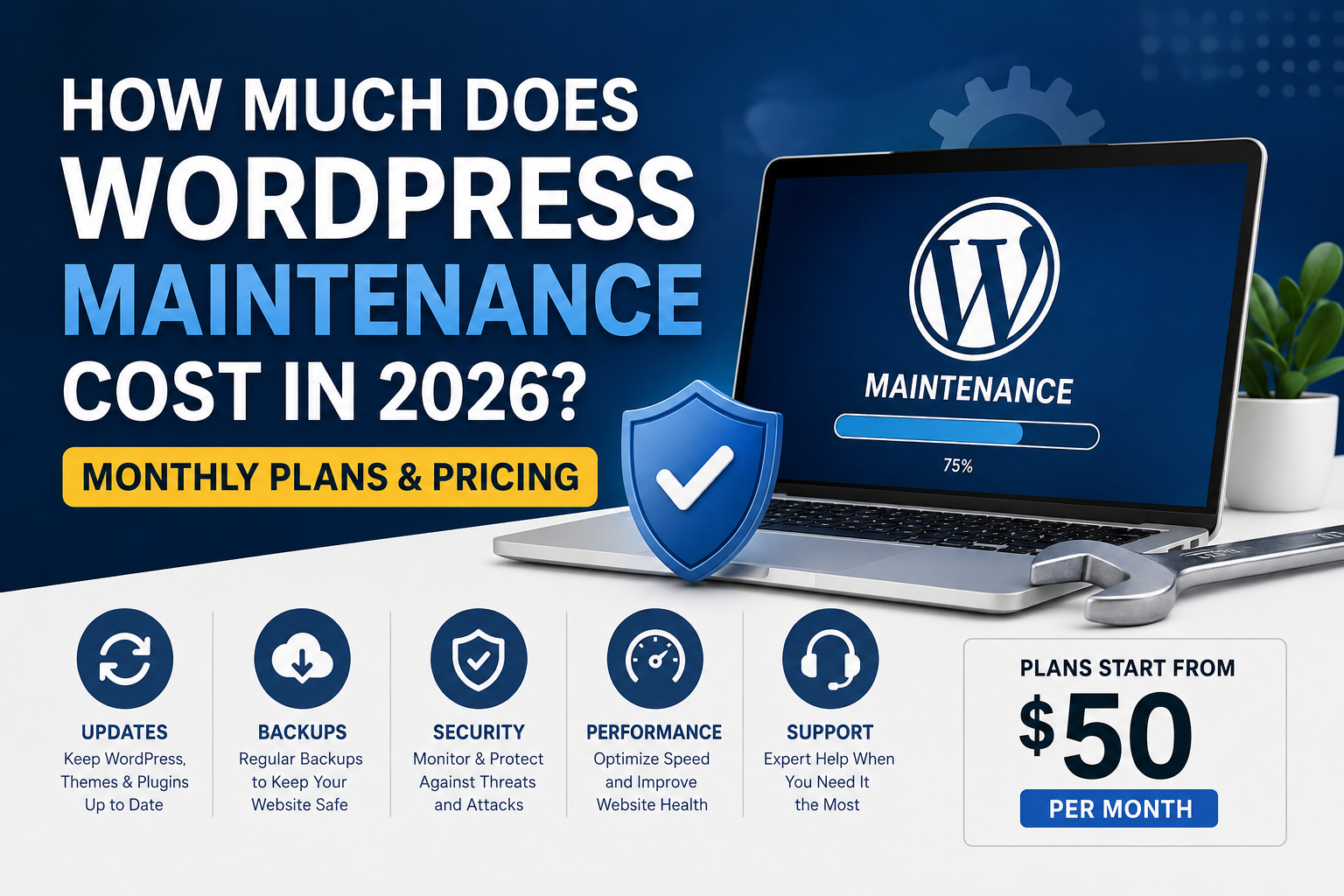
WordPress maintenance typically costs between $50 and $500 per month for a small or medium-sized business website in 2026. Basic plans cover routine updates and backups, while comprehensive plans may include security monitoring, troubleshooting, performance checks, content changes and priority developer support.
Complex websites, membership platforms and WooCommerce stores can cost $500 to $1,000 or more per month because they require more testing, monitoring and technical attention.
The right price depends on what your website does, how important it is to your business and how much human support is included in the plan. This guide explains common WordPress maintenance prices, services and additional costs so you can compare plans more accurately.
Average WordPress Maintenance Cost in 2026
Here is a practical overview of common monthly WordPress maintenance price ranges in the United States:
| Maintenance Level | Typical Monthly Cost | Best For |
|---|---|---|
| Basic WordPress maintenance | $50–$150 | Blogs and small brochure websites |
| Small-business maintenance | $150–$400 | Business websites generating enquiries or leads |
| Advanced WordPress support | $400–$1,000+ | Custom, membership or high-traffic websites |
| WooCommerce maintenance | $300–$1,500+ | Online stores with payments, orders and integrations |
| Hourly WordPress support | $50–$150 per hour | Occasional fixes without a monthly plan |
These are general estimates rather than fixed prices. Two websites that appear similar to visitors can require very different levels of technical work behind the scenes.
What Is WordPress Maintenance?
WordPress maintenance is the ongoing work required to keep a website secure, functional, updated and ready to support the business using it.
A WordPress website is made from several connected components, including:
- WordPress core software
- A WordPress theme or page builder
- Plugins and third-party integrations
- PHP and database software
- Hosting, DNS and SSL services
- Contact forms, email delivery and analytics
These components continue to receive updates after a website is launched. Plugins can conflict, hosting environments can change, forms can stop sending and security issues can appear. Maintenance provides a structured way to identify and resolve these issues.
What Does a WordPress Maintenance Plan Include?
The exact services depend on the provider and selected plan. A professional maintenance plan may include the following:
WordPress Core, Theme and Plugin Updates
Updates help keep WordPress compatible and secure. However, immediately installing every update without checking the website can cause layout problems, plugin conflicts or broken functionality.
A dependable maintenance provider should create or confirm a backup before important updates and check the website afterward.
Website Backups
Backups provide a recovery point if an update fails, files become damaged, the website is hacked or a hosting problem affects the database.
A maintenance plan should clearly explain:
- How frequently backups are created
- Where backup copies are stored
- How long backups are retained
- Whether restoration assistance is included
A backup is only useful when it can be accessed and restored successfully.
Security Monitoring
Security maintenance can include malware scans, vulnerability reviews, login protection, spam prevention and checks for suspicious file changes.
Some providers include malware removal in higher-level plans. Others charge separately for cleaning an already infected website, so this should be confirmed before selecting a plan.
Uptime Monitoring
Uptime monitoring checks whether a website is publicly available. It can alert the maintenance provider when the website stops responding, allowing the problem to be investigated sooner.
Monitoring does not guarantee that a website will never go offline, but it can reduce the time a problem remains unnoticed.
Form and Website Function Testing
A website can continue loading even when an important feature has stopped working. Maintenance may include testing:
- Contact and quotation forms
- Email notifications
- Login and registration forms
- Search features
- Booking systems
- Payment and checkout processes
This is especially important for websites that depend on enquiries, registrations, bookings or online orders.
Performance Checks
WordPress performance can decline as the database grows, plugins are added and website files become larger. Routine maintenance may include cache checks, database cleanup, image reviews and investigation of slow pages.
Complete speed optimization is often a separate project, but basic performance housekeeping may be included in a monthly plan.
Small Content and Layout Changes
Some maintenance packages include a fixed support allowance for small changes such as:
- Updating text, images or contact information
- Adding a team member or testimonial
- Changing a banner or call-to-action button
- Fixing spacing or mobile layout problems
- Adding or updating a simple page
Large redesigns, custom features and bulk product entry are normally quoted separately.
Technical Support
One of the main advantages of a maintenance plan is having a known technical contact who already understands the website.
When a problem occurs, the developer does not need to begin by learning the complete hosting, theme and plugin setup. This can make troubleshooting more efficient.
Basic WordPress Maintenance: $50–$150 Per Month
A basic plan is generally suitable for a small informational website that does not change frequently and does not process payments.
It may include:
- Monthly WordPress updates
- Scheduled website backups
- Basic security scans
- Uptime monitoring
- A monthly maintenance report
Low-cost plans often rely heavily on automated tools and may not include developer time, content changes or emergency repairs. Business owners should check what happens if an update causes a problem.
Small-Business WordPress Maintenance: $150–$400 Per Month
This range is suitable for many service-business websites that generate leads, accept bookings or use several important plugins.
A small-business maintenance plan may include:
- Weekly or carefully scheduled updates
- Daily or frequent off-site backups
- Security and uptime monitoring
- Form and email delivery checks
- Database and performance housekeeping
- Minor content or layout changes
- Plugin troubleshooting
- A monthly support allowance
This level provides more human involvement than a basic automated package and is often a better fit for websites that actively support sales and marketing.
Advanced WordPress Support: $400–$1,000+ Per Month
Advanced support is intended for websites with custom functionality, frequent changes, higher traffic or greater business risk.
Examples include:
- Membership and subscription websites
- Online learning platforms
- Business directories
- Websites with custom plugins
- Websites connected to external APIs or CRM systems
- Multi-language or multi-site installations
- High-traffic lead-generation websites
These plans may include staging-site testing, more development hours, faster response targets, detailed reporting and proactive improvements.
How Much Does WooCommerce Maintenance Cost?
WooCommerce maintenance commonly costs more than maintenance for a standard business website. A typical small or medium-sized store may spend approximately $300 to $1,500 or more per month, depending on its size and complexity.
An online store has more business-critical functions to maintain, including:
- Product and inventory management
- Checkout and payment gateways
- Shipping and tax calculations
- Order notifications
- Customer accounts
- Coupons and subscriptions
- Third-party inventory or accounting integrations
An update that breaks a contact form is serious. An update that breaks an online checkout can immediately prevent sales. WooCommerce maintenance should therefore include appropriate testing of important store functions.
What Is Usually Not Included?
Do not assume that every website-related cost is included in the monthly maintenance fee. The following services may be billed separately:
- Website hosting
- Domain registration and renewal
- Premium plugin and theme licenses
- Complete malware removal
- Major speed optimization
- New page design
- Custom plugin development
- SEO campaigns and content writing
- Large website migrations
- Major accessibility or compliance projects
Before purchasing a plan, request a written list of included services, exclusions and available support time.
Factors That Affect WordPress Maintenance Pricing
Website Size
A five-page brochure website normally requires less maintenance than a website containing hundreds of pages, users or products.
Number of Plugins
Every active plugin introduces another component that must remain compatible with WordPress, the theme, PHP and other plugins. A website with many plugins usually requires more careful update testing.
Custom Code
Custom themes, custom plugins and third-party integrations may require a developer who understands PHP, databases and APIs. This increases the level of expertise required.
Website Activity
A website receiving occasional visitors has different support requirements from a store processing orders throughout the day.
Update Testing
Installing updates directly on a live website is faster but carries more risk. Testing updates on a staging copy takes additional time and is normally included only in higher-level plans.
Response Time
Plans offering priority or same-day support normally cost more than services with a standard multi-day response window.
Included Development Time
A plan containing two or more hours of developer support each month will cost more than a monitoring-only plan. It may still provide better value when regular content changes and technical fixes are required.
Monthly Maintenance vs Pay-As-You-Go Support
Pay-as-you-go support can work for a simple website that rarely requires attention. You contact a developer when something breaks and pay for the required work.
The disadvantage is that no one is regularly checking updates, backups, security, forms or performance. An issue may remain unnoticed until it affects visitors or customers.
A monthly maintenance plan provides more predictable support and helps address routine work before it becomes an emergency.
Can You Maintain a WordPress Website Yourself?
Yes. A website owner can install updates, create backups and monitor basic security without hiring a maintenance provider.
DIY maintenance may be suitable when:
- The website is small and non-critical
- You understand WordPress and hosting
- You can troubleshoot failed updates
- You know how to restore a complete backup
- You have time to check the website regularly
Professional support becomes more valuable when the website generates leads, processes payments or contains custom features that cannot remain unavailable for long.
How to Compare WordPress Maintenance Plans
Ask the following questions before choosing a provider:
- How often will updates be reviewed?
- Are backups stored outside the main hosting account?
- Are updates tested before or after installation?
- What happens when an update breaks the website?
- Is malware removal included?
- Are contact forms and email notifications tested?
- How much developer time is included?
- What is the normal support response time?
- Are hosting and premium licenses included?
- Will I receive a maintenance report?
Compare the complete service rather than selecting a provider based only on the lowest monthly price.
Is WordPress Maintenance Worth the Cost?
WordPress maintenance is usually worth the cost when a website supports an active business. The monthly fee should be compared with the value of the website and the potential impact of downtime, missed enquiries, failed orders or emergency repairs.
A website that produces leads or sales is a working business asset. Like other business systems, it needs regular attention to remain dependable.
WordPress Maintenance From Web AI Services
Web AI Services provides WordPress maintenance and technical support for business websites, WooCommerce stores, associations, agencies and other organizations.
Support can include:
- WordPress core, theme and plugin updates
- Backup and restore-readiness checks
- Uptime and error monitoring
- Plugin conflict troubleshooting
- Contact form and email issue resolution
- Small content and layout changes
- Database and performance housekeeping
- Hosting, DNS, SSL and email coordination
- Emergency WordPress fixes
Every website is reviewed individually so the recommended support plan reflects its size, functionality, current condition and business importance.
Need reliable support for your WordPress website? Request a free WordPress maintenance quote and include your website URL, current hosting provider and the type of help you need.
Frequently Asked Questions
How much does WordPress maintenance cost per month?
WordPress maintenance commonly costs between $50 and $500 per month for a small or medium-sized business website. Advanced websites and online stores may cost $500 to $1,000 or more per month.
What is included in monthly WordPress maintenance?
A monthly plan may include software updates, backups, security monitoring, uptime checks, troubleshooting, performance housekeeping and a limited amount of developer support. Included services vary by provider.
How often should a WordPress website be maintained?
Most business websites should be reviewed at least monthly. Active WooCommerce stores and business-critical websites may require weekly maintenance and continuous automated monitoring.
Does WordPress maintenance include hosting?
Not always. Some providers bundle hosting with their care plans, while others charge separately. Check whether hosting, plugin licenses, SSL and backups are included before comparing prices.
Are website content changes included?
Small text, image and layout changes may be included when the plan provides a monthly support allowance. New pages, redesigns and large content projects are normally quoted separately.
Does maintenance include malware removal?
Some advanced plans include malware cleanup, while basic plans may only include scanning and monitoring. Confirm this before purchasing a plan, especially if the website has already been infected.
Why does WooCommerce maintenance cost more?
WooCommerce stores contain payment, checkout, order, customer, shipping and inventory functions that require additional testing. Store downtime can also directly affect revenue, making faster support and closer monitoring more important.
Can I cancel a WordPress maintenance plan?
Cancellation terms depend on the provider. Some plans operate month to month, while discounted packages may require quarterly or annual payment. Review the agreement before subscribing.