

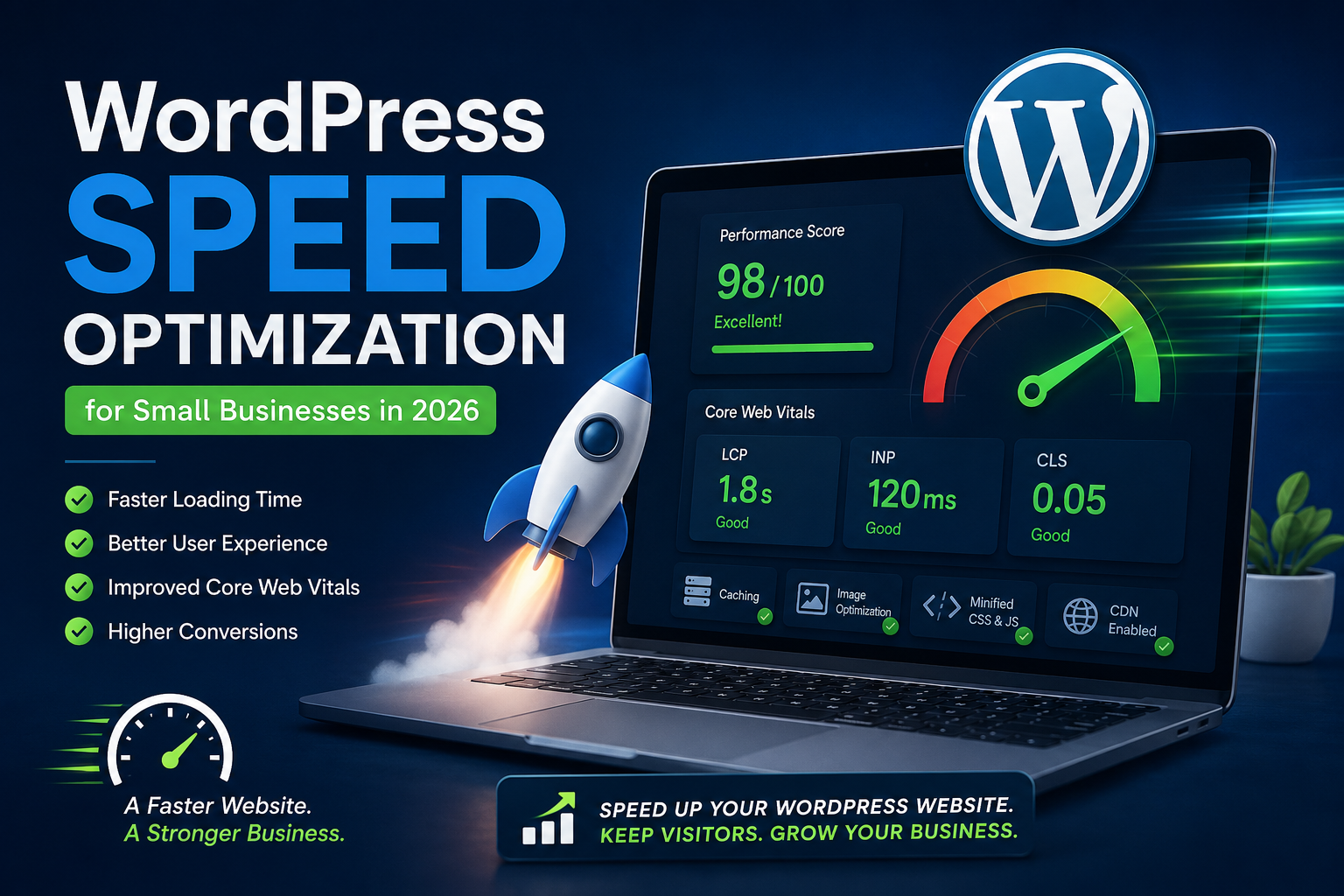
A slow WordPress website can cost your business visitors, inquiries and sales. Customers expect a website to open quickly, work smoothly on mobile devices and respond immediately when they click a button, open a menu or submit a form.
WordPress speed optimization improves how quickly your website loads and how smoothly visitors can use it. It involves more than installing a cache plugin. A complete optimization process examines your hosting, theme, plugins, images, database, scripts and page structure.
If your website feels slow, receives poor PageSpeed results or regularly freezes while loading, professional optimization can help identify and correct the underlying problems.
Why WordPress Website Speed Matters in 2026
Website speed directly affects the experience people have with your business. A visitor may leave before reading about your services when the main page content takes too long to appear.
A faster website can help small businesses:
- Keep more visitors on important pages
- Make a stronger first impression
- Improve mobile usability
- Increase contact-form submissions
- Support online sales and bookings
- Improve website accessibility
- Reduce unnecessary server usage
- Provide a better overall search experience
Google recommends providing a strong overall page experience rather than focusing only on a perfect performance score. Core Web Vitals are important, but content quality, mobile usability, HTTPS security and the absence of intrusive popups also contribute to the visitor’s experience.
What Are Core Web Vitals?
Core Web Vitals are performance measurements used to evaluate real-world loading speed, responsiveness and visual stability.
Largest Contentful Paint
Largest Contentful Paint, commonly called LCP, measures how quickly the main visible content appears. This content is often a large banner image, heading or featured section.
A good LCP result is generally 2.5 seconds or less for at least 75% of page visits.
Interaction to Next Paint
Interaction to Next Paint, or INP, measures how quickly a page responds when someone interacts with it. This may include clicking a button, choosing a menu item or opening an accordion.
Google recommends an INP below 200 milliseconds for a good user experience.
Cumulative Layout Shift
Cumulative Layout Shift, or CLS, measures unexpected movement while a page loads. For example, a button may move when an image or advertisement appears above it.
A CLS score of 0.1 or less is considered good.
Common Reasons WordPress Websites Become Slow
WordPress is capable of delivering fast websites, but performance can decline as themes, plugins, images and third-party tools are added.
Low-Quality or Overloaded Hosting
Budget hosting plans may place many websites on the same server. Limited processing power, memory or storage speed can increase server response time, especially during busy periods.
Optimization can improve many parts of a website, but poor hosting may still prevent consistently fast performance.
Large and Unoptimized Images
Uploading full-size photographs directly from a phone or camera can add several megabytes to a page. Large banner images are particularly important because they often become the page’s LCP element.
Images should be resized, compressed and delivered in an appropriate modern format without making them visibly unclear.
Too Many WordPress Plugins
The total number of plugins is not the only concern. One poorly developed plugin can create more performance problems than several lightweight plugins.
Plugins may add database queries, JavaScript, CSS files, tracking requests and background processes to every page, even when their features are not needed there.
Heavy Themes and Page Builders
Some themes and page builders load large amounts of code for animations, sliders, icons and layout features. Poorly structured Elementor, Divi or WPBakery pages may also contain unnecessary containers and duplicated styling.
A careful optimization should improve performance without damaging the design or removing important functionality.
Unoptimized JavaScript and CSS
Large or poorly loaded scripts can delay visible content and make buttons feel unresponsive. Third-party chat tools, advertising scripts, analytics platforms, social widgets and tracking pixels can also affect performance.
Scripts should be reviewed individually before they are delayed or removed. Applying aggressive optimization settings without testing can break menus, forms, sliders and checkout pages.
No Effective Caching
Caching allows WordPress to serve prepared versions of pages instead of rebuilding every page for each visitor.
Page caching, browser caching and object caching can improve performance, but they must be configured according to the website’s hosting environment and functionality.
Database Bloat
WordPress databases can collect post revisions, expired transients, abandoned plugin tables, spam comments and unnecessary options.
A bloated database may slow down administrative tasks and increase the time required to generate dynamic pages.
Outdated PHP or WordPress Software
Old PHP versions, outdated themes and unsupported plugins can create performance, compatibility and security problems.
Updates should be completed carefully, with a current backup and compatibility testing.
What Our WordPress Speed Optimization Service Includes
Web AI Services reviews the entire WordPress setup instead of applying the same cache settings to every website.
Depending on the website, our optimization work may include:
- PageSpeed and Core Web Vitals testing
- Hosting and server configuration review
- Theme and plugin performance audit
- Page and browser caching configuration
- Object cache configuration where supported
- Image resizing and compression
- WebP or AVIF image delivery
- Lazy loading configuration
- JavaScript and CSS optimization
- Removal of unnecessary website assets
- Font loading improvements
- Database cleanup and optimization
- Elementor layout cleanup
- WooCommerce performance improvements
- Cloudflare or CDN configuration
- Mobile performance testing
- Contact form and checkout testing
- Before-and-after performance reporting
The exact work depends on what is causing the slowdown. We avoid enabling risky settings simply to produce a higher test score.
Our WordPress Speed Optimization Process
1. Website Performance Audit
We begin by testing important pages on mobile and desktop. This usually includes the home page, service pages, landing pages, product pages and checkout pages.
We also examine hosting performance, network requests, plugin activity, image sizes and Core Web Vitals data where available.
2. Backup and Safety Checks
A current backup is created or verified before major performance changes are made. This protects the website if a plugin, theme or optimization setting creates an unexpected conflict.
3. Fixing the Main Bottlenecks
We prioritize the changes that can make a meaningful difference. This may involve replacing oversized images, reducing render-blocking files, correcting cache configuration or removing an unnecessary plugin.
4. Mobile and Functional Testing
After optimization, we test the website across common screen sizes. Menus, forms, sliders, popups, booking tools, payment pages and other interactive features are checked to confirm that they still work correctly.
5. Final Performance Review
The optimized website is tested again and compared with the original results. Any remaining limitations, such as weak hosting or unavoidable third-party scripts, are clearly explained.
Why a Cache Plugin Alone May Not Fix a Slow Website
Cache plugins can be useful, but they cannot solve every performance problem.
A cache plugin may not correct:
- Slow web hosting
- Oversized images
- Heavy third-party scripts
- Broken database queries
- Poorly developed plugins
- Excessive Elementor containers
- Too many external fonts
- Large tracking scripts
- Incorrect server settings
Using several performance plugins at the same time can also cause conflicts. Duplicate caching, minification and lazy-loading features may break layouts or make performance less consistent.
WordPress Speed Optimization for WooCommerce
WooCommerce websites require additional care because carts, customer accounts and checkout pages contain dynamic information.
A WooCommerce optimization may include:
- Reducing unnecessary cart fragments
- Optimizing product and category images
- Improving product database queries
- Reviewing payment and shipping plugins
- Preventing caching on dynamic pages
- Cleaning expired sessions and transients
- Improving product filter performance
- Testing cart and checkout functionality
Incorrect caching on an online store can display the wrong cart information or interfere with checkout. WooCommerce optimization should always include functional testing.
Can WordPress Speed Optimization Improve SEO?
Speed optimization can support SEO by improving page experience and making the website easier for visitors to use. However, a fast website does not automatically rank at the top of search results.
Google explains that strong Core Web Vitals can contribute to search success, but relevance and useful content remain essential. Trying to achieve a perfect performance score solely for SEO may not be the best use of resources.
The strongest approach combines:
- Useful service content
- Clear website structure
- Technical SEO
- Mobile-friendly design
- Secure HTTPS delivery
- Strong Core Web Vitals
- Relevant internal links
- Accurate business information
How Long Does WordPress Speed Optimization Take?
A small website with a straightforward caching or image problem may be optimized quickly. A large WooCommerce, membership or Elementor website may require more extensive testing.
The timeline depends on:
- The number of pages and templates
- The website’s hosting environment
- The theme and page builder
- The number of active plugins
- Third-party integrations
- Existing technical problems
- Whether hosting migration is required
We review the website first so the recommended work is based on actual performance issues rather than assumptions.
Get a WordPress Speed Optimization Review
If your WordPress website loads slowly, performs poorly on mobile or receives weak Core Web Vitals results, Web AI Services can review the problem and recommend practical improvements.
Our website services include WordPress development, maintenance, speed optimization, security, technical SEO, hosting support and WooCommerce troubleshooting.
Request a WordPress speed optimization quote and send us your website URL. We will review the main performance problems and explain which improvements are likely to provide the most value.
You may also want to read our small business website pricing guide for 2026 if you are considering a redesign or complete website rebuild.
Frequently Asked Questions
Why is my WordPress website so slow?
Common causes include weak hosting, large images, heavy plugins, an overloaded theme, poor caching, database bloat and third-party scripts. A performance audit can identify which problems are affecting your website.
What is a good PageSpeed score?
A higher score can indicate better performance, but the number should not be considered alone. Real-user Core Web Vitals, website functionality and actual loading experience are more important than achieving a perfect laboratory score.
Will speed optimization break my website?
Poorly tested optimization settings can break layouts, menus, forms and checkout pages. Changes should be backed up and tested carefully on mobile and desktop devices.
Can Elementor websites be made faster?
Yes. Elementor performance can often be improved by reducing unnecessary containers, optimizing images, loading fewer fonts, removing unused widgets and configuring caching correctly.
Do I need to change my hosting provider?
Not always. Many websites can be improved on their existing hosting. A migration may be recommended when the current server has consistently slow response times or insufficient resources.
How often should WordPress performance be checked?
Performance should be reviewed after major theme, plugin, tracking or content changes. Business websites should also be monitored regularly because software updates and third-party services can affect speed over time.
Can you optimize a live WordPress website?
Yes. A live website can usually be optimized safely using backups, careful configuration and functional testing. Larger changes may first be completed on a staging copy.
Do you provide ongoing WordPress maintenance?
Yes. Web AI Services provides ongoing WordPress maintenance, updates, backups, performance monitoring, security checks and technical troubleshooting for business websites.